Git for your AI context
Think Git, but for AI prompts & context.
You’re throwing away your best AI work.
When your AI compacts a long conversation, the detail is gone: what you tried, what failed, why you chose this over that. Axiom kept every line.
Saved as you work. Fed back into your next session, in any tool, when the problem comes round again.
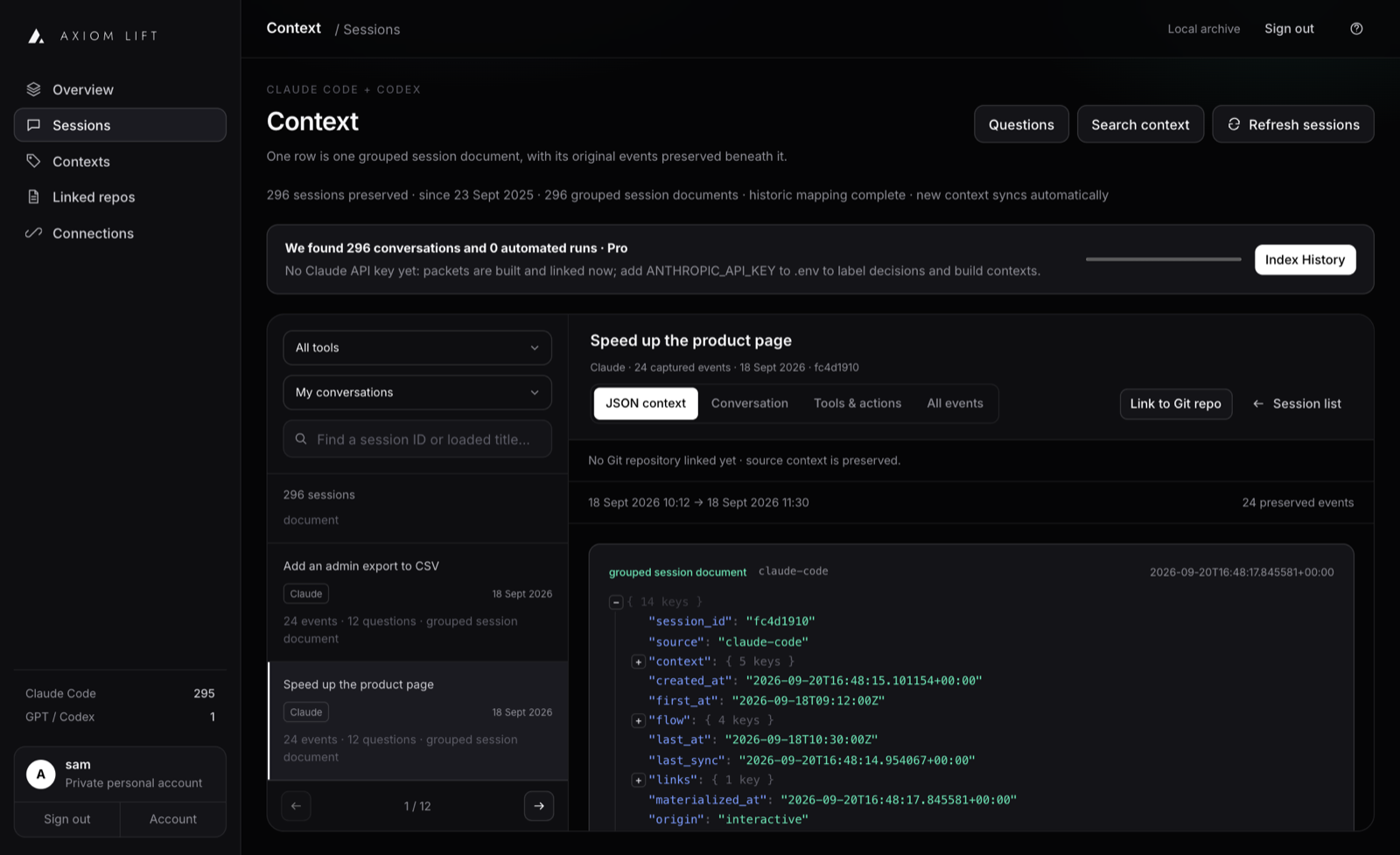
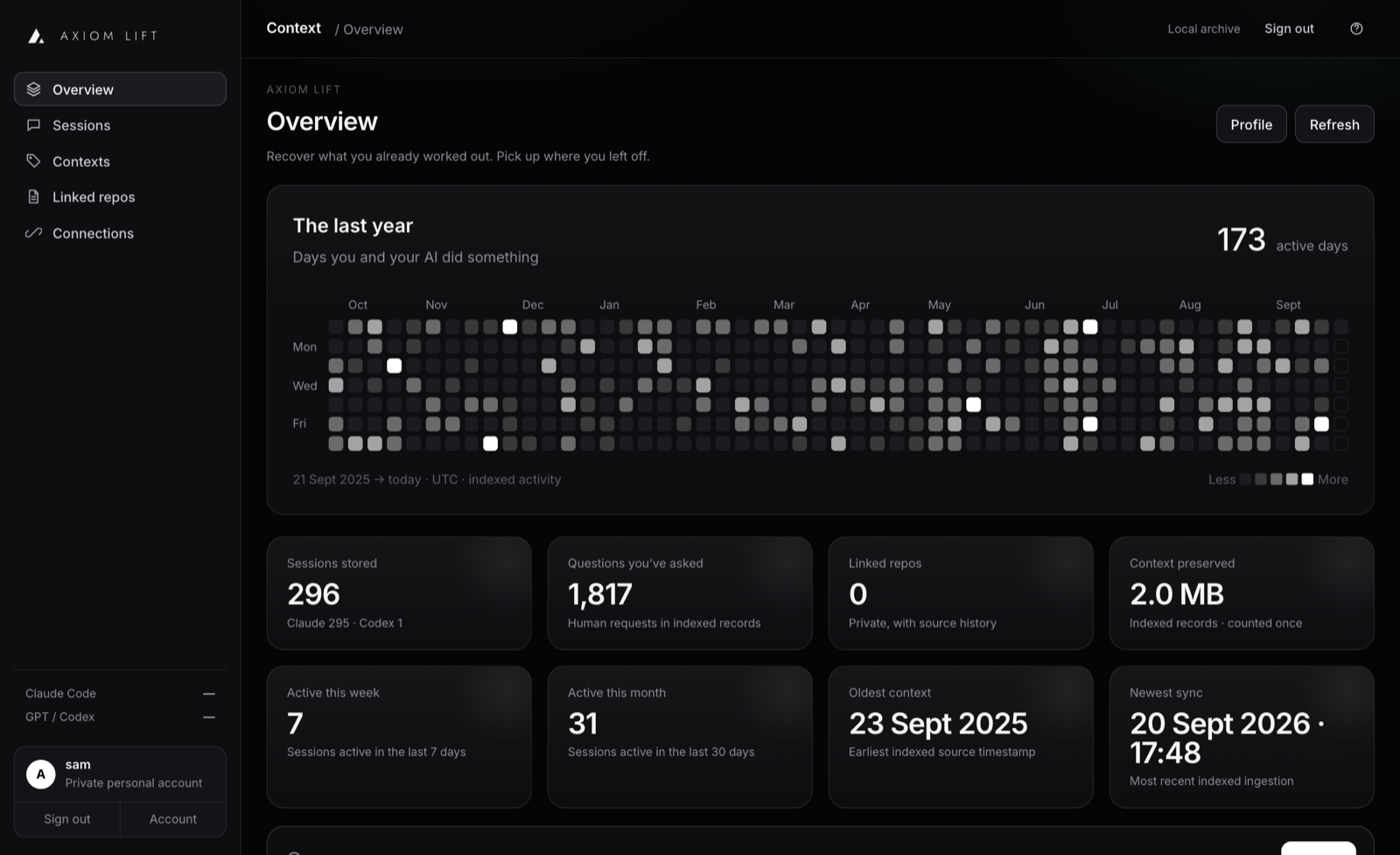
It saves every prompt, decision, requirement and result from Claude Code, Codex and OpenCode, automatically, as you work. Every requirement tracked. Every change with history.
So when the same problem comes back next month, your AI pulls up what you already worked out. You never explain yourself twice.
Save everything. Free.
Store it once. Any AI reads it back. Forever.
Axiom sits beside your tools. It saves what they do as they do it, and hands it back when you need it. A few lines, not the whole history.
every line
Every prompt, decision, requirement, test and commit. Kept for good.
it back
Simple pricing.
Start free. Move up when your history matters. No card for Free; cancel Pro any time.
Free
£0no cardFor one computer. Everything you do with your AI from today, kept and searchable.
- 1 connected computer
- 1 GB of context
- Sessions from Claude Code, Codex and OpenCode, saved as they happen
- Decisions, requirements and corrections filed as you work
- Search by meaning across everything you have kept
- Handed back to your AI through MCP
Pro
£12.99a monthFor one person who wants their whole history, not just from today.
- 2 connected computers
- 25 GB of context
- Enrich history: your past sessions read and filed by a model
- Bring your own Anthropic or OpenAI key, stored encrypted, and choose the model
- Automated runs (agents, SDK calls, loops) brought in too
- Cross-session links: what a later session overturned
- Cancel any time
Enterprise
£197.23a monthFor a team. Self-service today, invoiced when you need it.
- 5 connected computers
- 250 GB of context
- Everything in Pro, on every computer
- Priority help with a named contact
- Invoiced billing on request
- More than 5 computers or 250 GB? Talk to us
Need more room? Extra storage is £9.99 a month per 50 GB, on any paid plan. Prices in GBP.
Talk to us.
More computers, more storage, a team, or a server of your own. A person reads every message and replies by email, usually the same working day.
Every AI chat starts from zero.
You spend an afternoon with an AI working out what to build, what not to build, and why. Then the conversation is compacted, or the window closes. None of it is anywhere your next session can see.
The detail gets squeezed out
A long session hits its limit and is summarised. What you tried, what failed and why you chose this over that does not survive the summary.
You explain it all again
The same bug comes back a month later. New session, blank slate, so you brief the AI from memory. Yours, not its.
The AI undoes it
Without the history, the next session happily rebuilds the thing you decided against.
Your project’s memory, as a log.
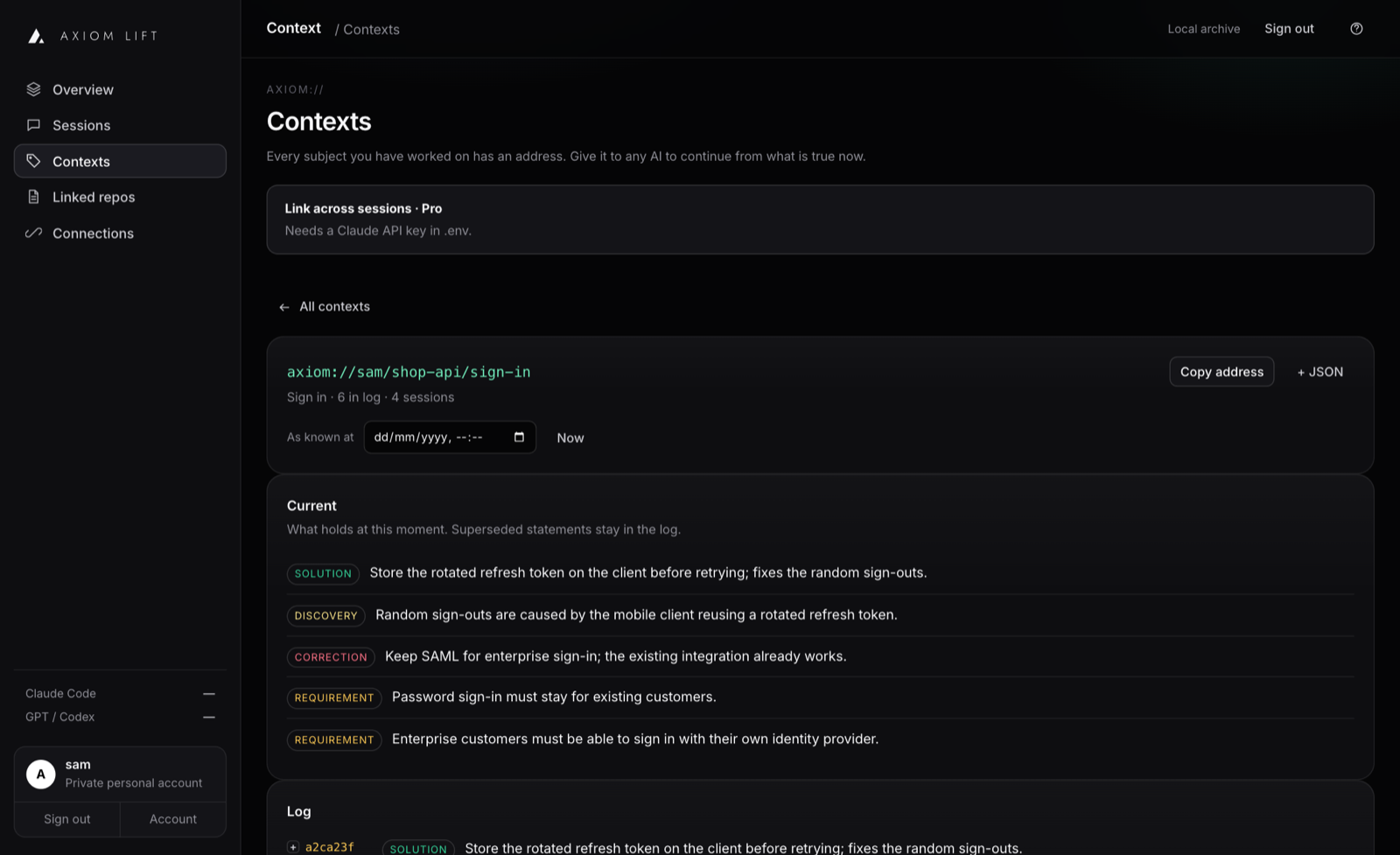
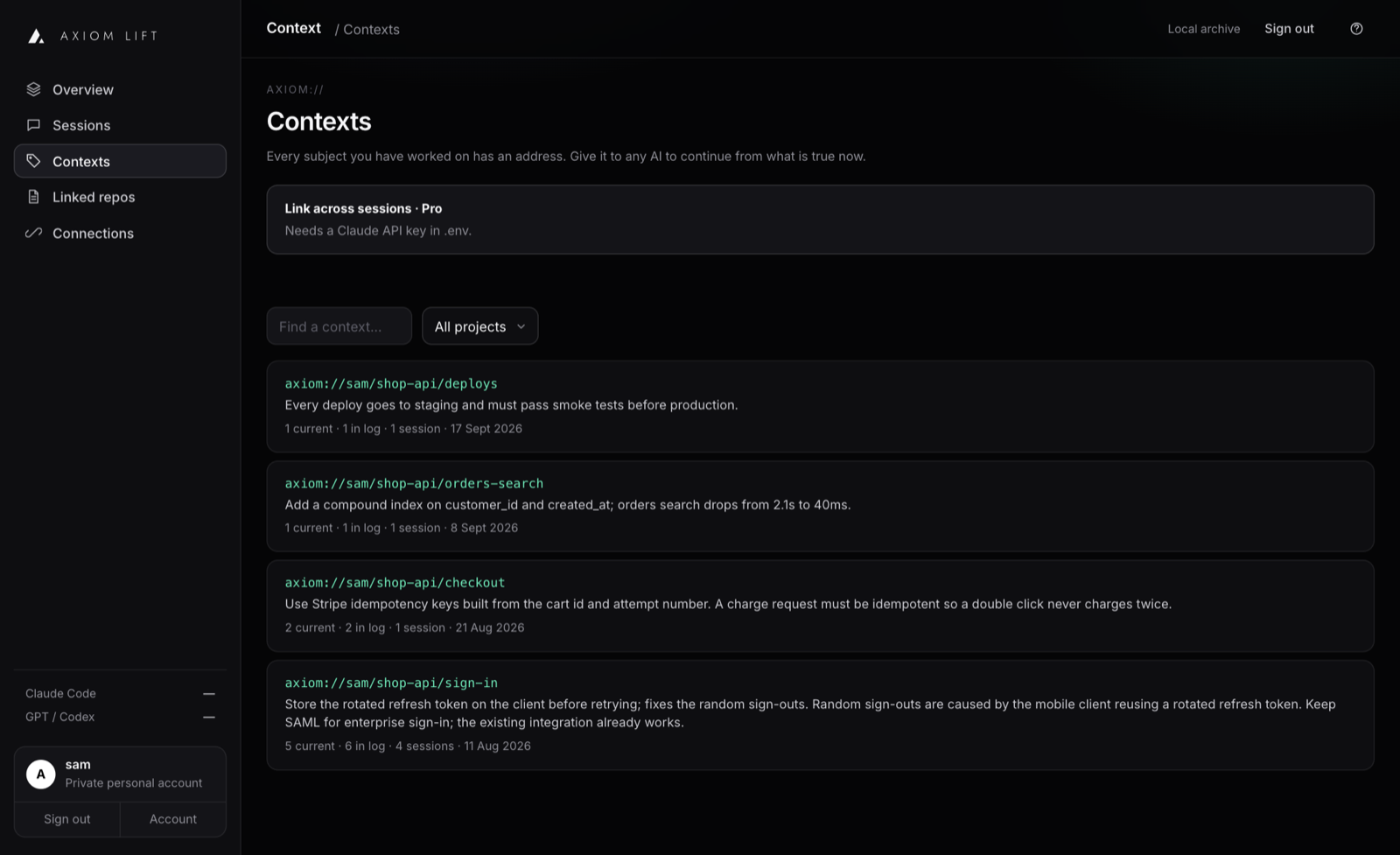
Everything you and your AI worked out, kept in order. Change your mind and the old decision is struck through, never erased, with a link back to the exact moment it was said.
One command. Then you just work.
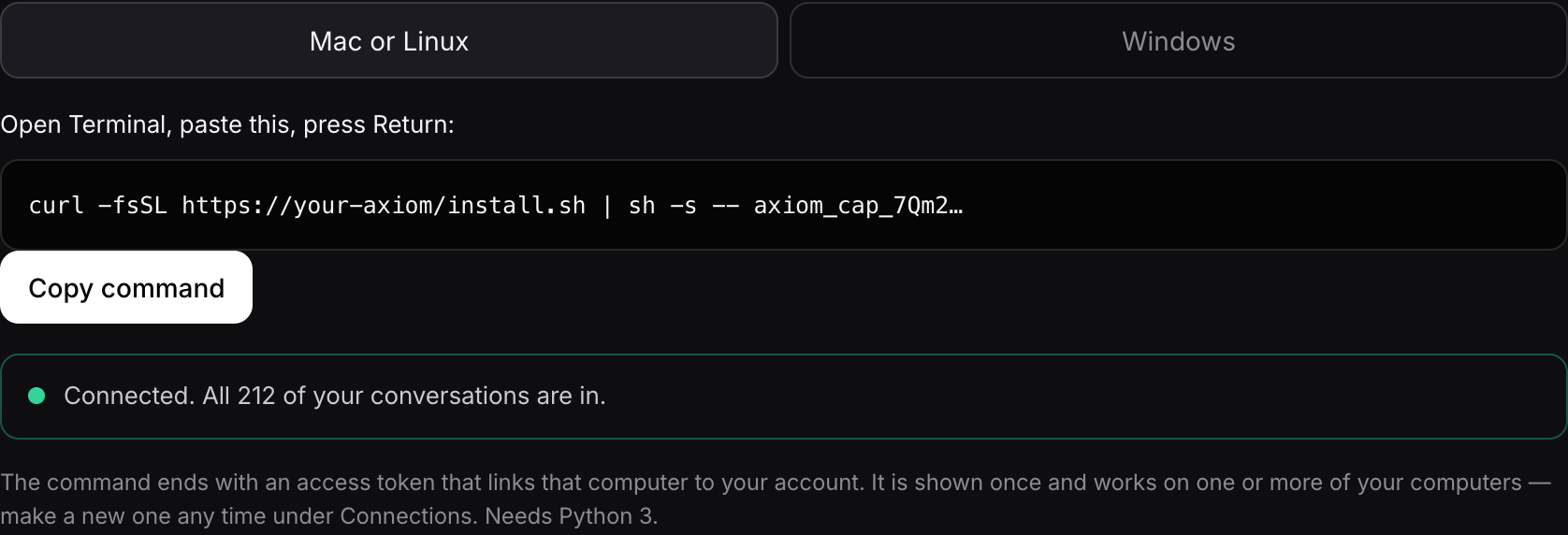
Paste one line
Sign up and paste one command. Your past conversations come in first; new ones follow as you work. Mac, Windows, Linux.
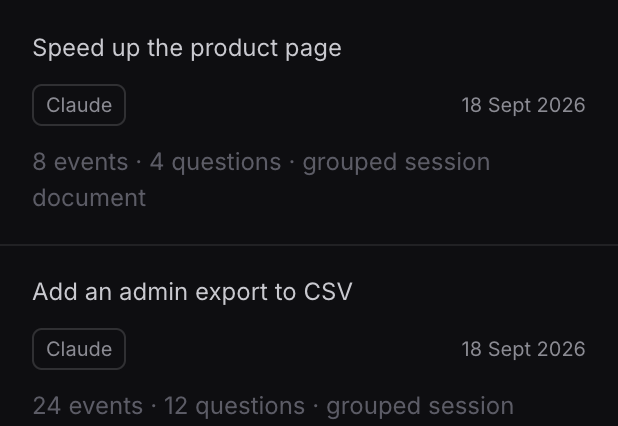
It keeps what matters
Requirements, decisions and corrections are picked out for you as you work. Nothing to tag, nothing to write up.
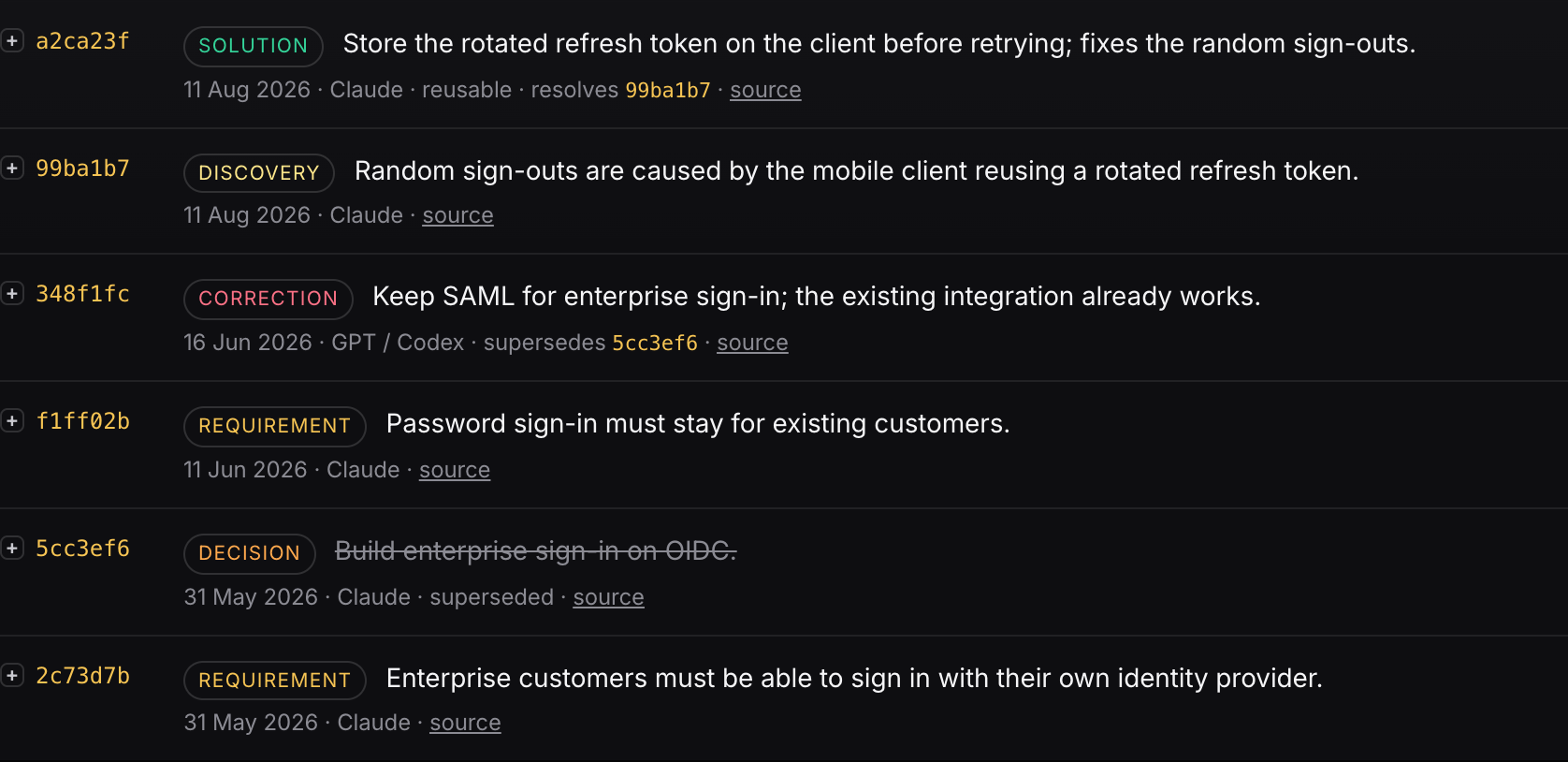
Continue anywhere
Next time, your AI asks Axiom and starts from what is true now, in any tool.
› the random sign-outs are back, this time on the tablet app. fix it
Checking Axiom for earlier work on this
axiom-context.search_context("random sign-outs")
axiom-context.get_context("axiom://sam/shop-api/sign-in")
You fixed this in August. The phone client was reusing a rotated refresh token, and the fix went into auth/refresh.ts. The tablet client has its own copy of that code and never got it. Applying the same fix there now, then running the auth tests.
A normal Codex chat. Nobody re-explained anything: the history came back from Axiom over MCP.
Ninety tokens, not ninety thousand.
Axiom never stuffs your history back into a chat. It returns the few lines that are true right now, and leaves out anything personal or secret.
Fair things to ask.
It puts a small Python program in your home folder and starts it when you sign in. It reads the session files your AI tools already keep and uploads them to your account. It never edits them. One command removes it.
Barely. You will sometimes see one short note at the end of a reply when something is decided. Earlier context is loaded only when you ask for it.
Only your account. Personal details and secrets are flagged by Axiom itself and kept out of anything handed to an AI. Deleting your data does not touch the files on your computer.
Axiom tells a session you typed from one a program ran. Your conversations come first; automated runs are kept and searchable but stay out of the way.
Claude Code, Codex and OpenCode, plus GitHub for commits, pull requests and checks. Anything that keeps a session history on disk can be added.
Your tool replaces the long conversation with a short summary so it can keep going. Axiom had already saved every line before that, and captures again at the moment of compaction. The full conversation stays in your account, searchable, with the decisions filed.
In the ways that matter: a log, nothing ever erased, and you can ask what was true on any date. It tracks what you decided rather than the code, and links the two.
Stop explaining your project to your AI.
Two minutes to connect. Free.