The issue, as reported
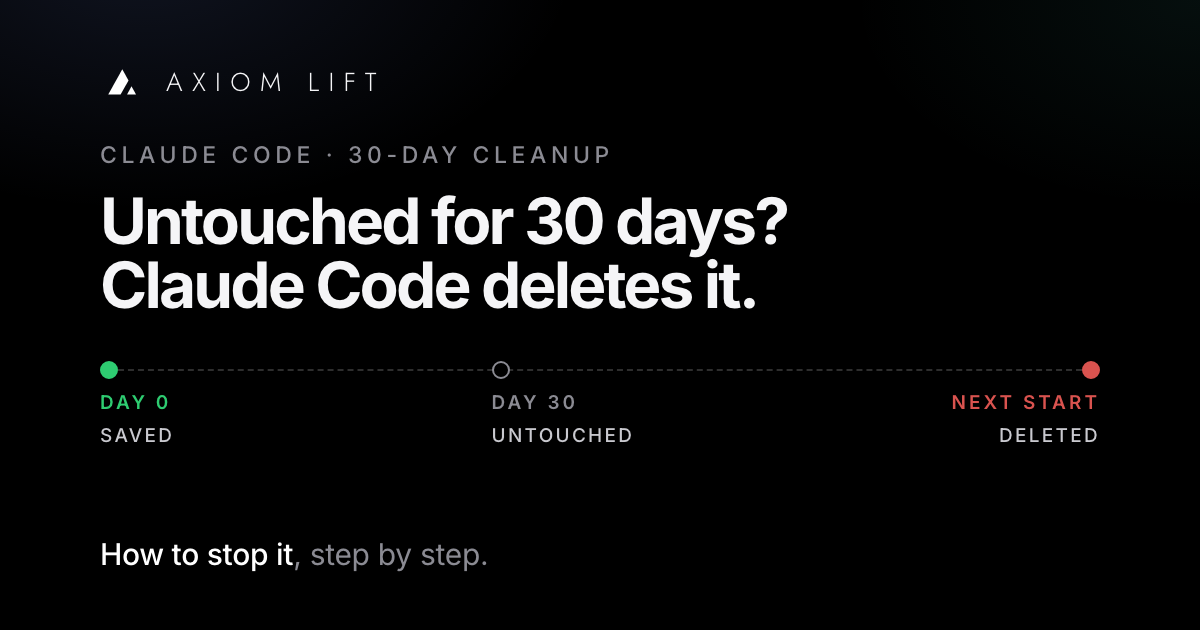
Since July, the Claude Code issue tracker has collected the same report again and again: someone goes back to a session they need, and it is gone.
The most discussed of them says the default cleanup permanently deleted session transcripts at startup with no notice, taking months of working context across several large projects. Its point is the one most reports make: the conversation holds the reasoning and the decisions, and the files Claude produced (CLAUDE.md, plans, roadmaps) don't.
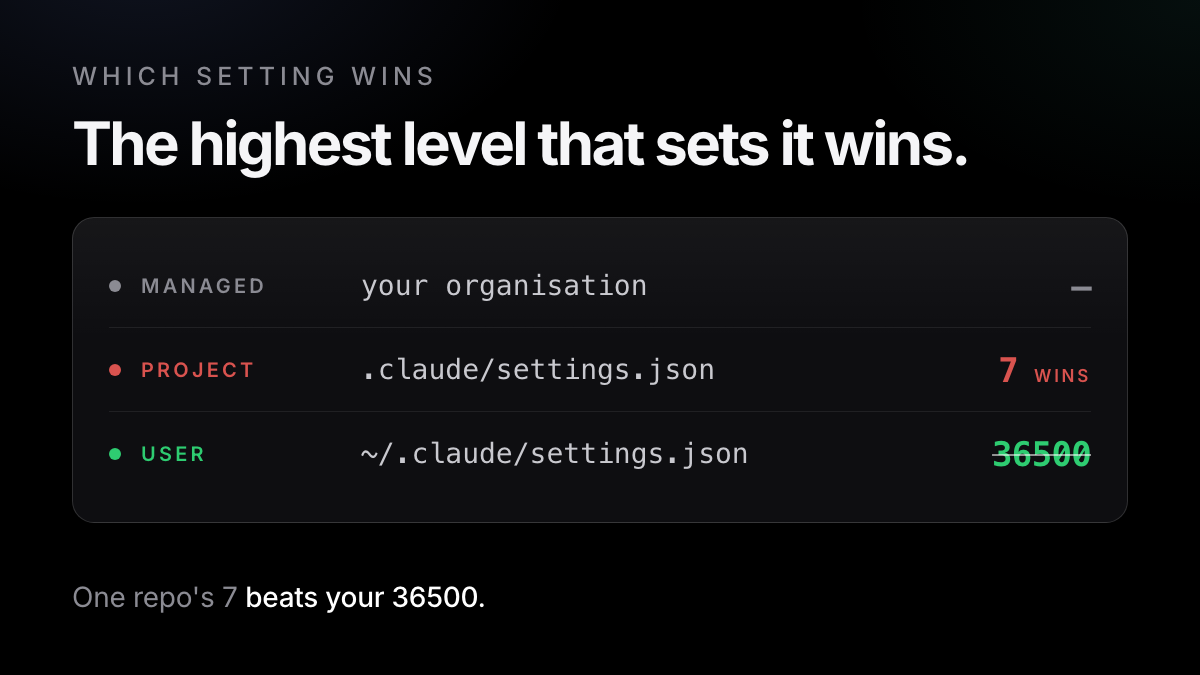
Others describe the scale. In one, a single sweep hard-deleted about 950 transcripts covering April to July, with no warning and no trash. Most came back only because Windows shadow copies happened to cover the sweep and there were hand-made backups from earlier in the summer. In another, the user's own settings said to keep transcripts for 36,500 days, but a 7-day value in a throwaway repo won, and the next sweep deleted about four months of other projects' history.
A request to ask about retention during first setup gathered the most reactions of the group and was closed as not planned in July; it was filed again in September. The newest reports are still arriving: on 17 September a developer opened Claude Code to resume a session from a few months back, and it was deleted at that moment. On Hacker News, a post titled "Claude Code Deletes Your Context History from Your Device After 30 Days" got one reply, and it was the setting.
Reported in
- #82084: transcripts silently and permanently deleted after 30 days
- #79435: prompt for cleanupPeriodDays during initial setup
- Hacker News: Claude Code deletes your context history after 30 days
- #85466: about 950 transcripts deleted in one sweep
- #90148: one project's setting drives the machine-wide sweep
- #95141: a months-old session deleted on resume
Why it happens
Claude Code saves every conversation as a JSONL file at ~/.claude/projects/<project>/<session-id>.jsonl (docs). A setting called cleanupPeriodDays decides how long those files live. According to the settings reference:
- the default is 30 days, the minimum is 1, and
0fails validation; - the deletion runs as a background sweep after a session starts;
- it deletes transcripts without showing a message, so an old session simply stops appearing in
/resume.
What the sweep deletes, and what survives it
/resume~/.claude/history.jsonl is left alone: the prompts you typed survive, Claude's replies don'tdesktopSessionCleanupPeriodDays. Before that version they were swept on the same 30 daysAnthropic's reason is a fair one. Transcripts are plain text and hold whatever passed through a tool: file contents, command output, sometimes credentials. The company told The Register that keeping them indefinitely "creates real security and privacy risks", and that the 30-day default balances resuming recent work against holding that data longer than needed.
One more detail explains the stranger reports. cleanupPeriodDays can be set in any settings file, and the highest level that sets it wins: a project's .claude/settings.json or .claude/settings.local.json beats your user file. That is how a 7-day value in one throwaway repo ran the sweep for every project on the machine.
How to fix it today
These steps are for Claude Code and come from Anthropic's own documentation.
- Set a long retention period in your user settings
Open
~/.claude/settings.json(create it if it doesn't exist) and add the key. The docs suggest a large value such as 3650, ten years. If the file already has settings, add the line inside the existing braces, with a comma after the line before it. Don't use0: it fails validation.{ "cleanupPeriodDays": 3650 } - Check the file was read
Start Claude Code and run
/status. If a settings file can't be read or parsed whilecleanupPeriodDaysis set, Claude Code pauses the sweep and shows a warning there until you fix it (docs). - Find lower values in your projects
Any project file that sets a lower number overrides yours. Search the folder where your repos live (change
~/codeto yours). Raise or delete any low value you find. Repeat after cloning a repo that ships its own.claude/settings.json.grep -rn --include='settings*.json' cleanupPeriodDays ~/code - Check for managed settings
If your organisation deploys Claude Code with managed settings that set
cleanupPeriodDays, that value wins over everything you set. Ask whoever manages it. - Update Claude Code if you use the desktop app
Run
claude --version. On v2.1.248 or later, Desktop and Cowork sessions are kept at any age by default. Earlier versions delete them aftercleanupPeriodDays, which fits the desktop reports of sidebar entries that open to "Session not found on disk". - Keep a copy of the sessions that matter
Name them with
/rename, soclaude --resume <name>finds them. Save a readable copy with/export <filename>. Include~/.claude/projects/in your backups (Time Machine, File History): in the 950-transcript report, backups were what brought the work back.
If it's already gone
The sweep is a hard delete, so usually it's gone. Check your backups first. Then look at ~/.claude/history.jsonl: the sweep doesn't touch it, and it holds every prompt you typed with its time and project, though not Claude's replies (docs).
What the fix doesn't cover
It can't bring anything back. It only protects what is still on disk. One lower value anywhere undoes it. Every repo you clone can carry its own setting, so the check in step 3 is never finished for good.
- It's per machine, on one disk. Each computer needs the setting, and a lost or wiped laptop takes the history with it unless your backups include it.
- Years of plain text. Longer retention means more secrets on disk. The docs suggest permission rules that deny reads of credential files, so they never reach a transcript.
- Keeping isn't finding. After a few months you have hundreds of files. The docs warn the JSONL format is internal and changes between versions, and the tracker has reports of people hand-parsing JSONL and of a desktop search where swapping two words turns 3 results into 0.
- It's Claude Code only. Codex and OpenCode keep their own session files, with their own rules.
How Axiom Lift solves it
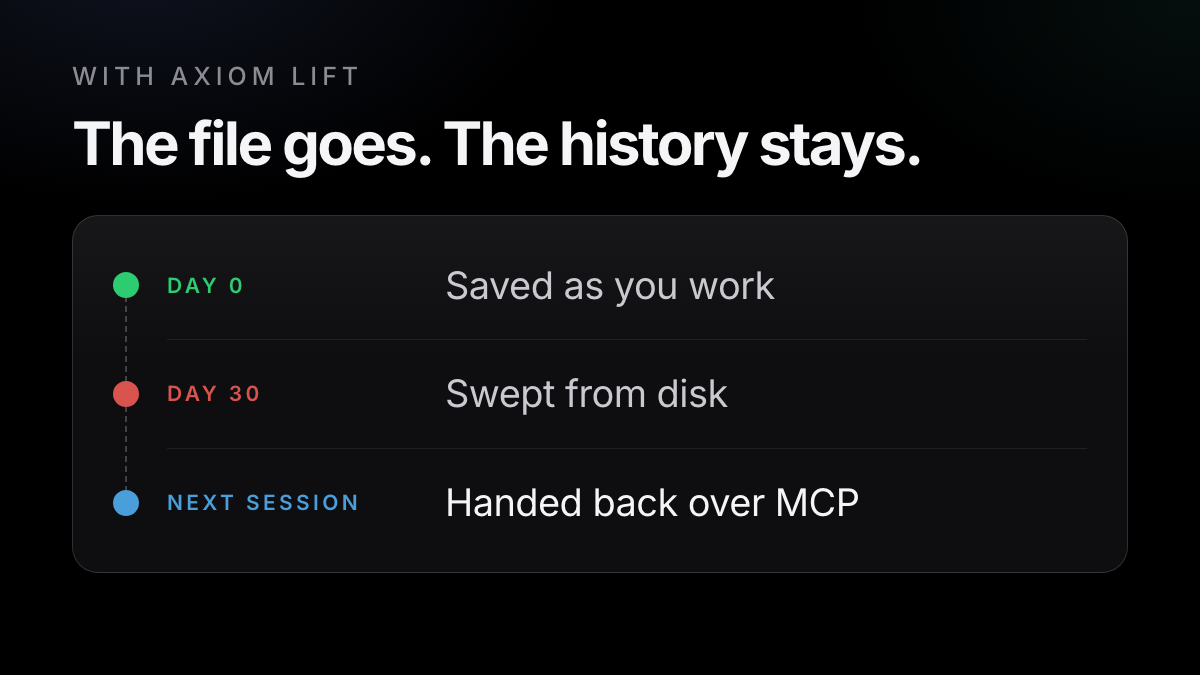
Axiom Lift is a small helper on your computer. It reads the session files Claude Code, Codex and OpenCode already keep and saves every prompt, decision, requirement and result to your account as you work. It never edits those files. The full conversation stays in your account, searchable, with the decisions filed, so it no longer depends on one file on one disk.
It also hands that history back. Through a read-only MCP connection, your next session can ask Axiom what was decided and why, and gets the few lines that are true now rather than the whole transcript. Keys and passwords are cut on your computer before anything is sent, and your sessions are seen by you and nobody else unless you share them (the operator can reach accounts to run and support the service).
The free fix
- Keeps the JSONL files on that one disk, as long as the setting holds
- Needs the setting on every computer, and a check in every repo
- Recovery is your own backups and
/exportcopies - Finding means hundreds of JSONL files, in a format that changes between versions
- Claude Code only
With Axiom
- Saves every prompt, decision and result to your account as you work
- Hands back the few lines that are true now, over MCP
- Claude Code, Codex and OpenCode, and another machine
- Doesn't stop the sweep: set
cleanupPeriodDaysanyway - Can't recover what was deleted before you installed it; it brings in what's still on disk and shows you what it found first
The Free plan covers one computer, keeps everything up to 5 GB, and lets your AI reach the last six months (up to 1 GB). Pro lets it reach all of your history and adds more computers. It runs on Mac, with Linux and Windows in beta, needs Python 3, and axiom uninstall removes it.
One command in the terminal where you use Claude Code, Codex or OpenCode. Free, no card.
Try it free →Claude, Codex and OpenCode are trademarks of their owners; Axiom works alongside them and is not affiliated.